콘텐츠로 이동

Search your knowledge

Search in Rememberizer

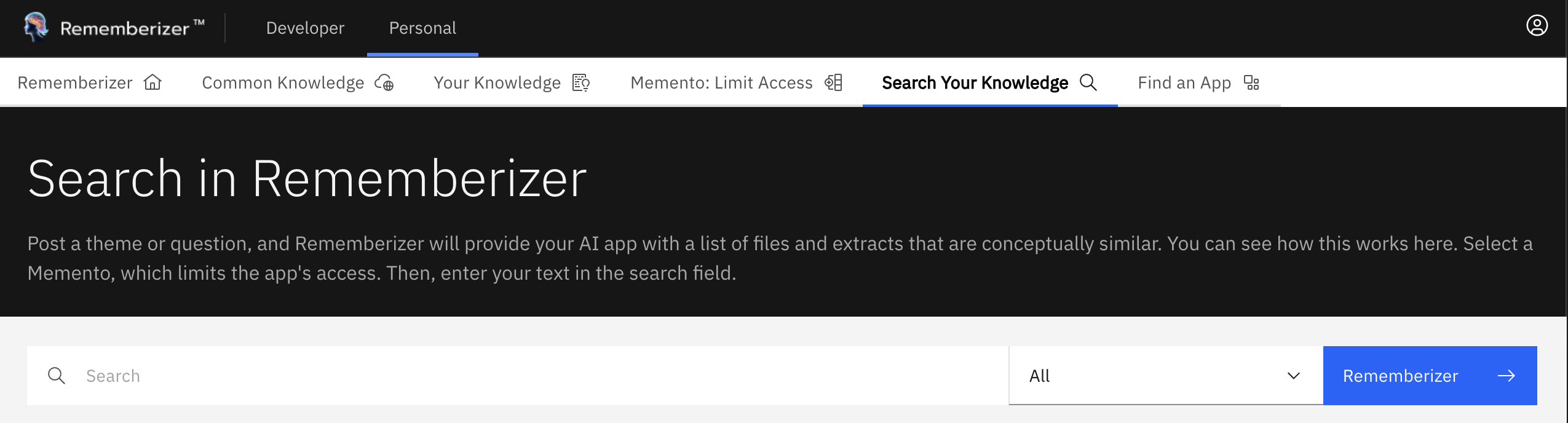
  • In the navigation bar, choose Personal > Search Your Knowledge. Then you will see the search page in Rememberizer

Info

Rememberizer's search uses advanced vector embeddings to find semantically similar content rather than just keyword matches. To learn more about how this technology works, see What are Vector Embeddings and Vector Databases?

Developers can access this same semantic search capability via API. See Search for documents by semantic similarity for details.

navbar search rememberizer (1)
search rememberizer page
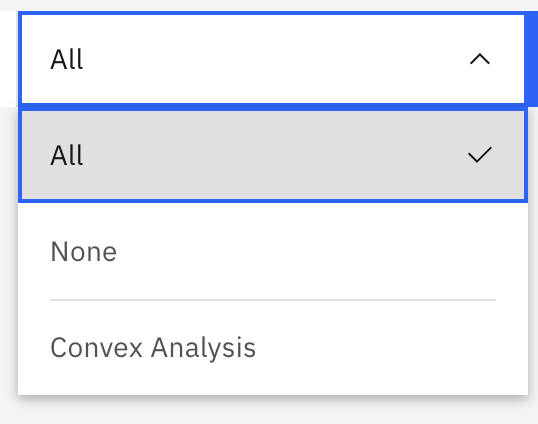
  • Type the question or theme you want to search, then choose the the memento you want to limit the app's access and click Rememberizer button (or press Enter). The search process may take a few minutes, depending on the amount of data in the Memento.
Memento Filtering in search Rememberizer

Memento Filtering in search Rememberizer

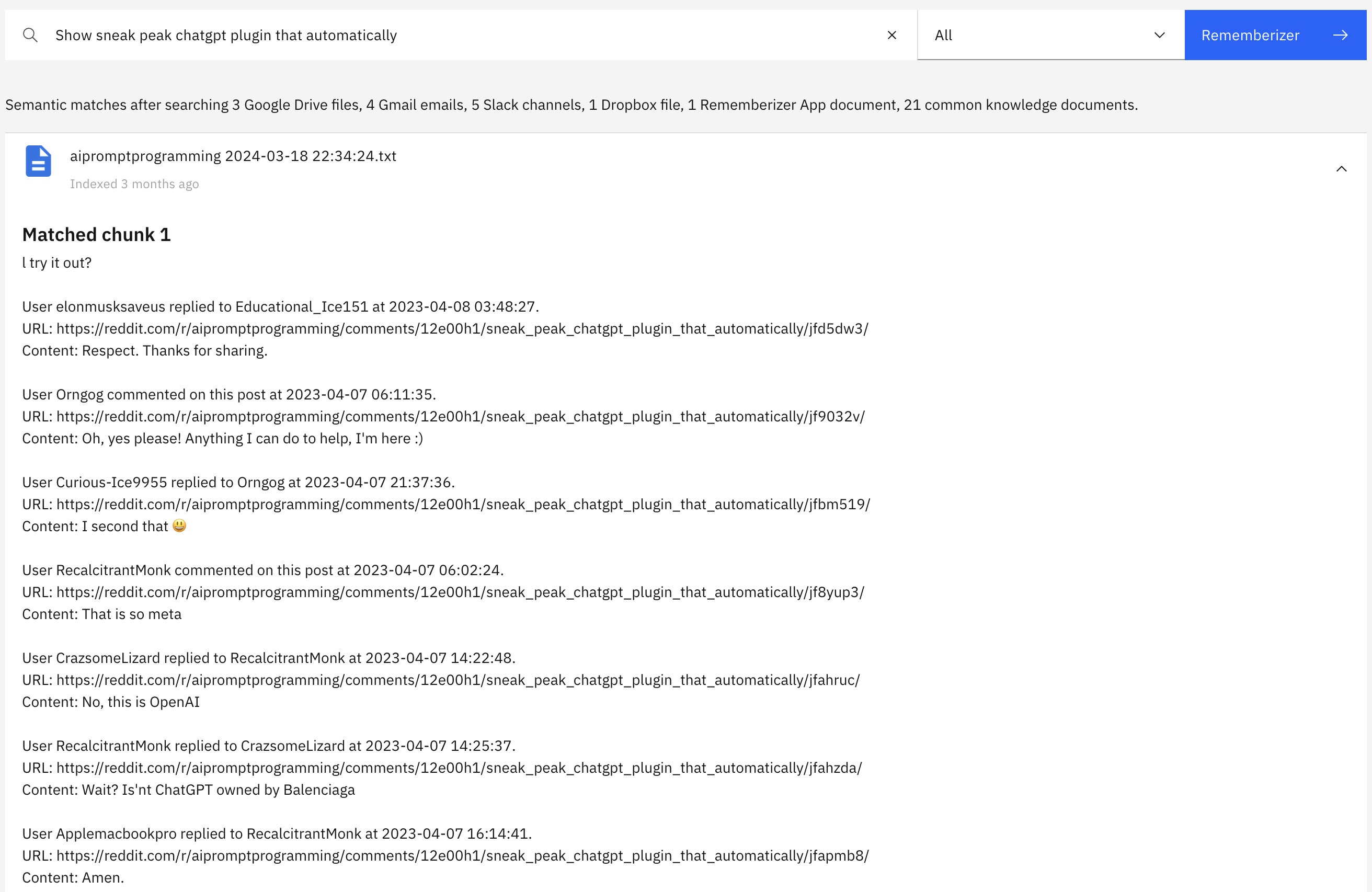
  • Eventually, you will see list of documents matching question or theme you require. You can click to the file and it will dropdown the matching chunk text related to your question or theme.
An example of search result

An example of search result