Rememberizer App
Introduktion
Rememberizer-appen er en desktop-applikation, der konverterer dine lokale filer til vektorembeddings og uploader dem til din Rememberizer-vidensbase. Denne problemfrie integration gør det muligt for AI-applikationer at søge og referere til dine personlige filer gennem Rememberizers semantiske søgefunktioner, hvilket giver svar baseret på dit indhold uden at kræve direkte adgang til dine filer.
Fordele
- Sikker Data Integration: Upload og behandl dine filer lokalt uden at dele komplette dokumenter med tredjeparts AI-tjenester
- Dataudnyttelse: Forvandl dine lokale dokumenter til værdifuld, søgbar viden
- Semantisk Forståelse: Udnyt vektorindlejring for at muliggøre konceptbaseret søgning i stedet for blot nøgleordsmatch
- Kraftig AI Integration: Forbind din viden til forskellige AI-systemer, herunder ChatGPT, Claude og brugerdefinerede applikationer
- Privatlivskontrol: Behold ejerskabet af dine data, mens du gør dem nyttige for AI-assistenter
Understøttede platforme
I øjeblikket er Rememberizer App tilgængelig for:
- macOS: Intel og Apple Silicon (M1/M2/M3) processorer
Fremtidig planlagt support (ikke tilgængelig endnu): * Windows (under udvikling) * Linux (under overvejelse)
Systemkrav
macOS Krav
- macOS 10.15 (Catalina) eller nyere
- Minimum 8GB RAM (16GB anbefales)
- 500MB ledig diskplads til applikationen
- Yderligere lagerplads til behandlede filcacher
- Internetforbindelse til autentificering og upload af indlejringer
Hardware Acceleration
- Apple Silicon Macs: Bruger automatisk MPS-aktiveret PyTorch for optimeret ydeevne
- Intel Macs med kompatibel GPU: Kan udnytte GPU-acceleration for hurtigere behandling
- CPU-only systemer: Fald tilbage til CPU-behandling med intelligent optimering
Installation
- Download den nyeste version af Rememberizer App fra de links, der er angivet her
- Når downloaden er færdig, skal du finde .dmg-filen i din downloads-mappe og dobbeltklikke på den
- I det vindue, der vises, skal du trække Rememberizer App-ikonet til mappen Programmer
- Naviger til din Programmer-mappe og åbn Rememberizer App
- Hvis du ser en sikkerhedsadvarsel, skal du følge disse trin:
- Åbn Systemindstillinger > Sikkerhed & Privatliv
- Klik på "Åbn alligevel" for at godkende appen
- Appen er sikkert signeret, men kan udløse denne advarsel ved første brug
Konfiguration og Opsætning
Første gang opsætning
- Log ind: Start appen og log ind med din Rememberizer-konto. Et browservindue åbnes for at autentificere.
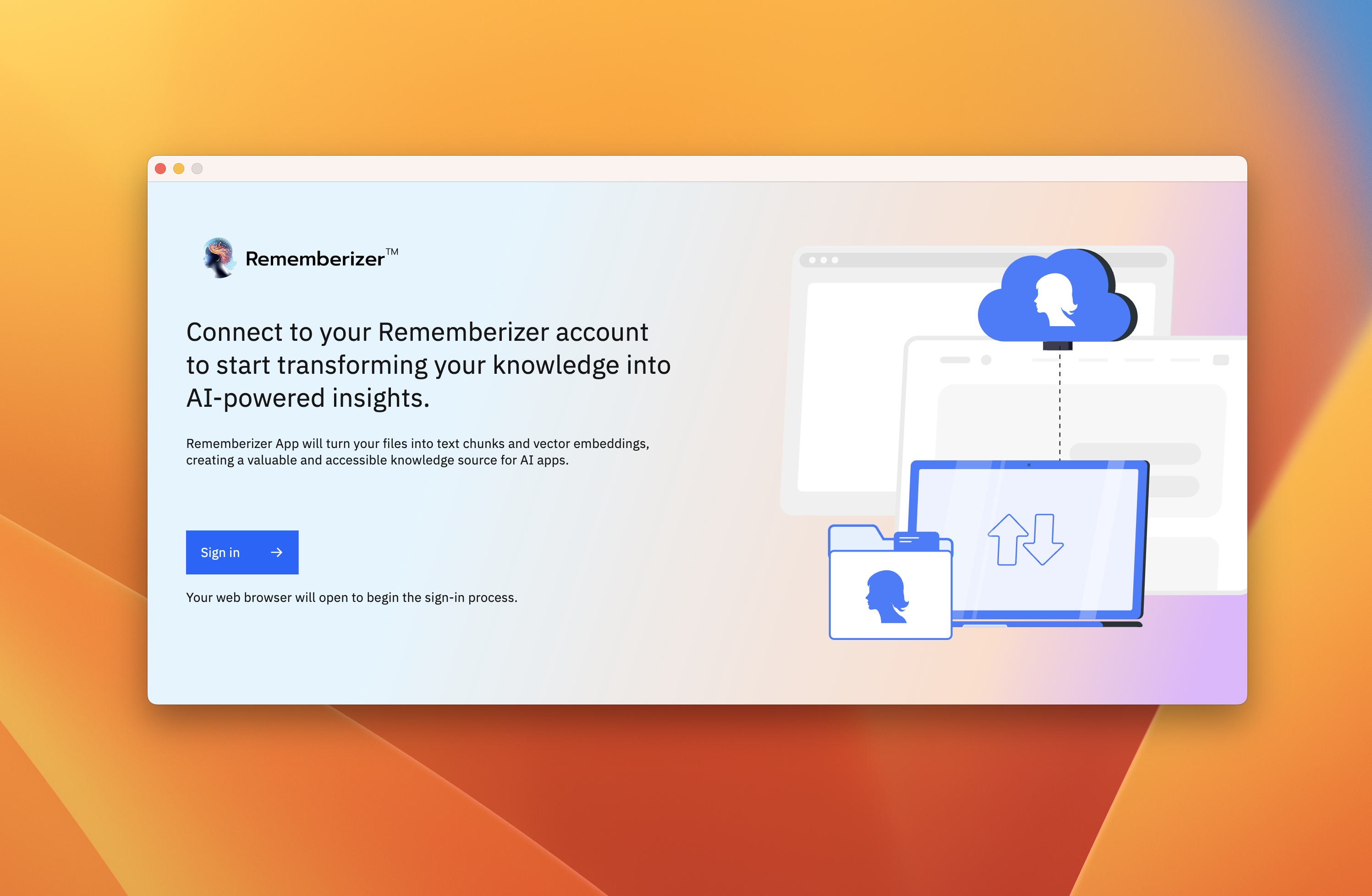
Log ind for at forbinde din Rememberizer-konto
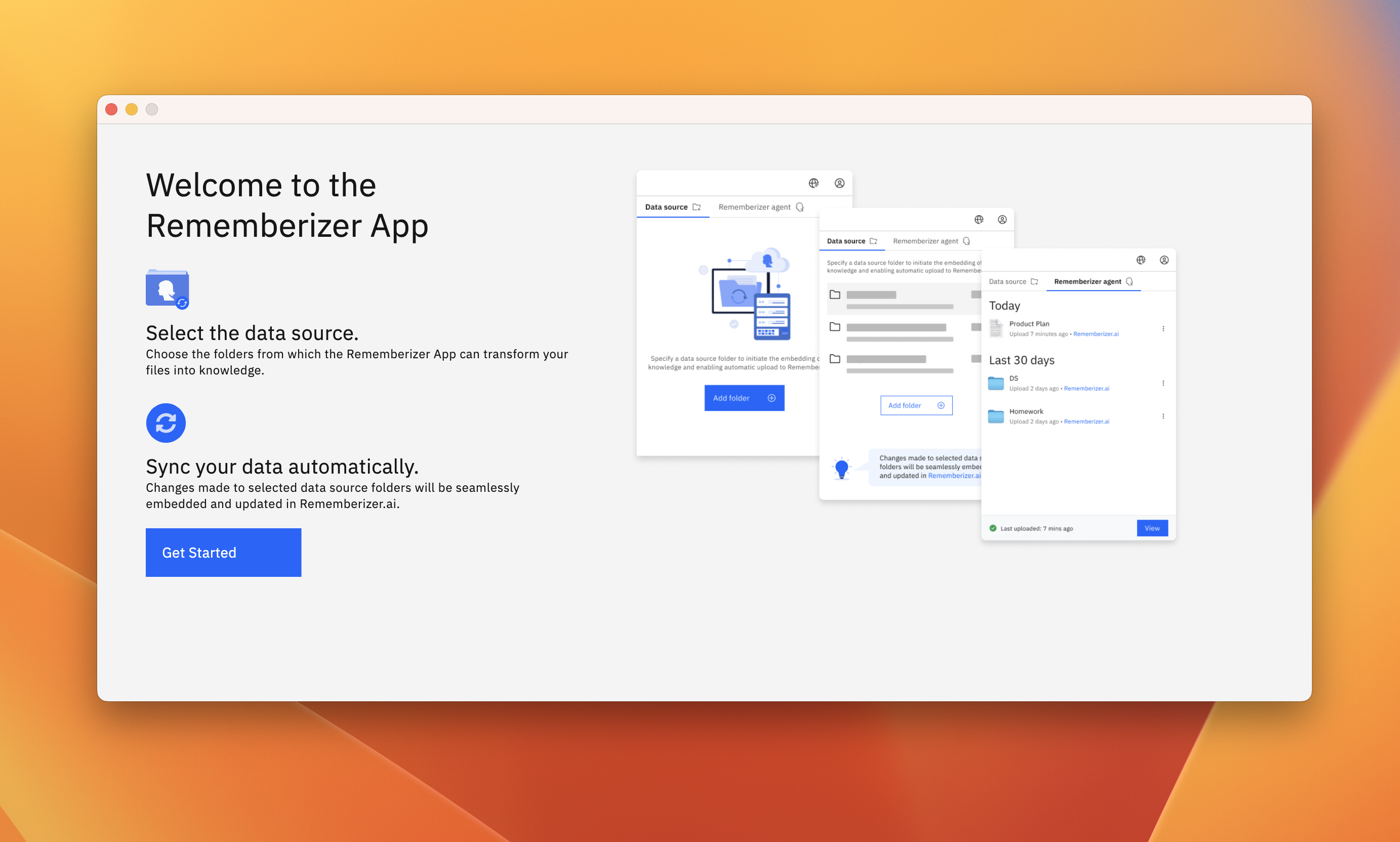
Succesfuld autentificering
- Tilføj datakilder: Efter login kører appen i baggrunden. Adgang til den fra menulinjeikonet. Tilføj mapper, der indeholder dokumenter, du vil behandle.
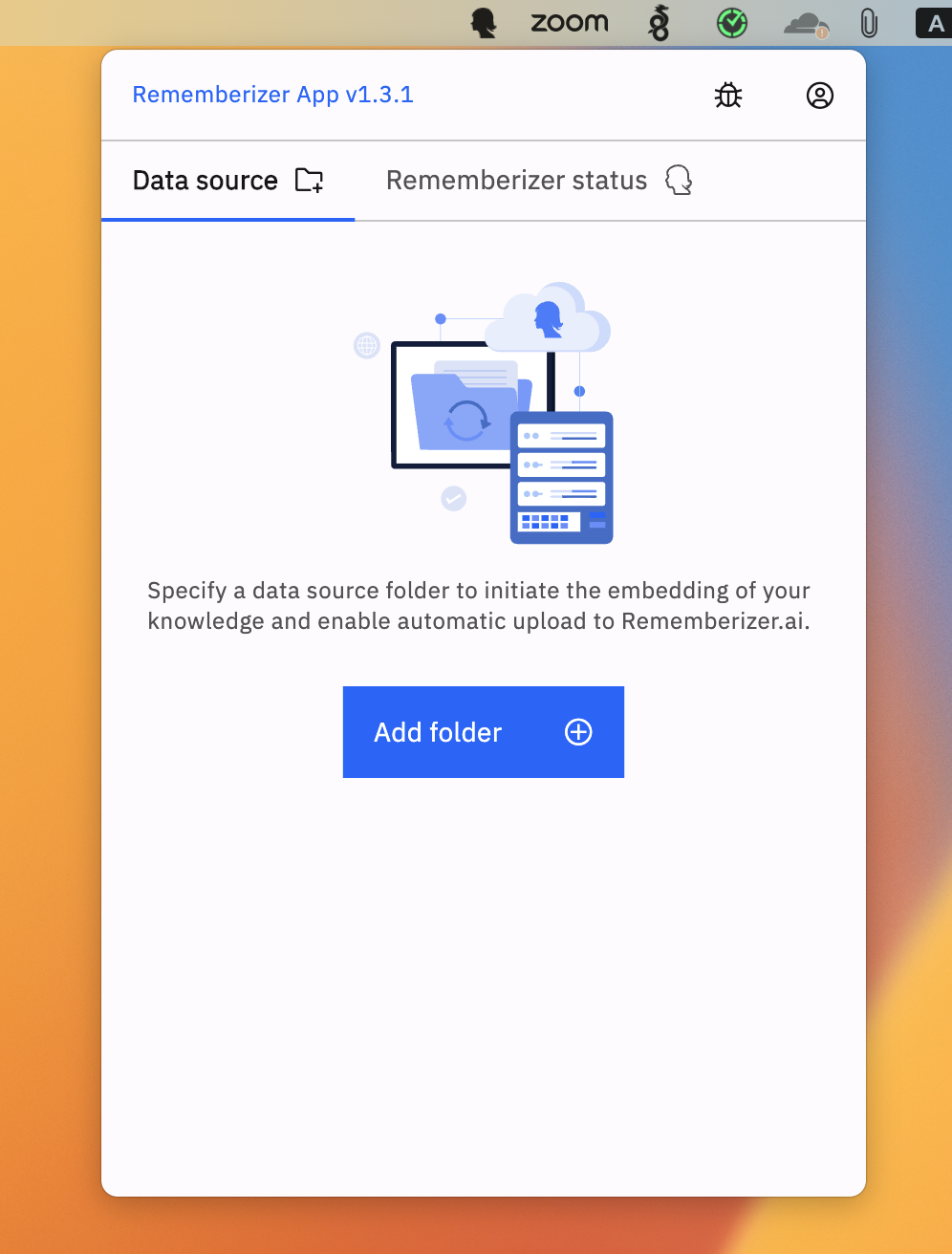
Adgang til Rememberizer fra menulinjen
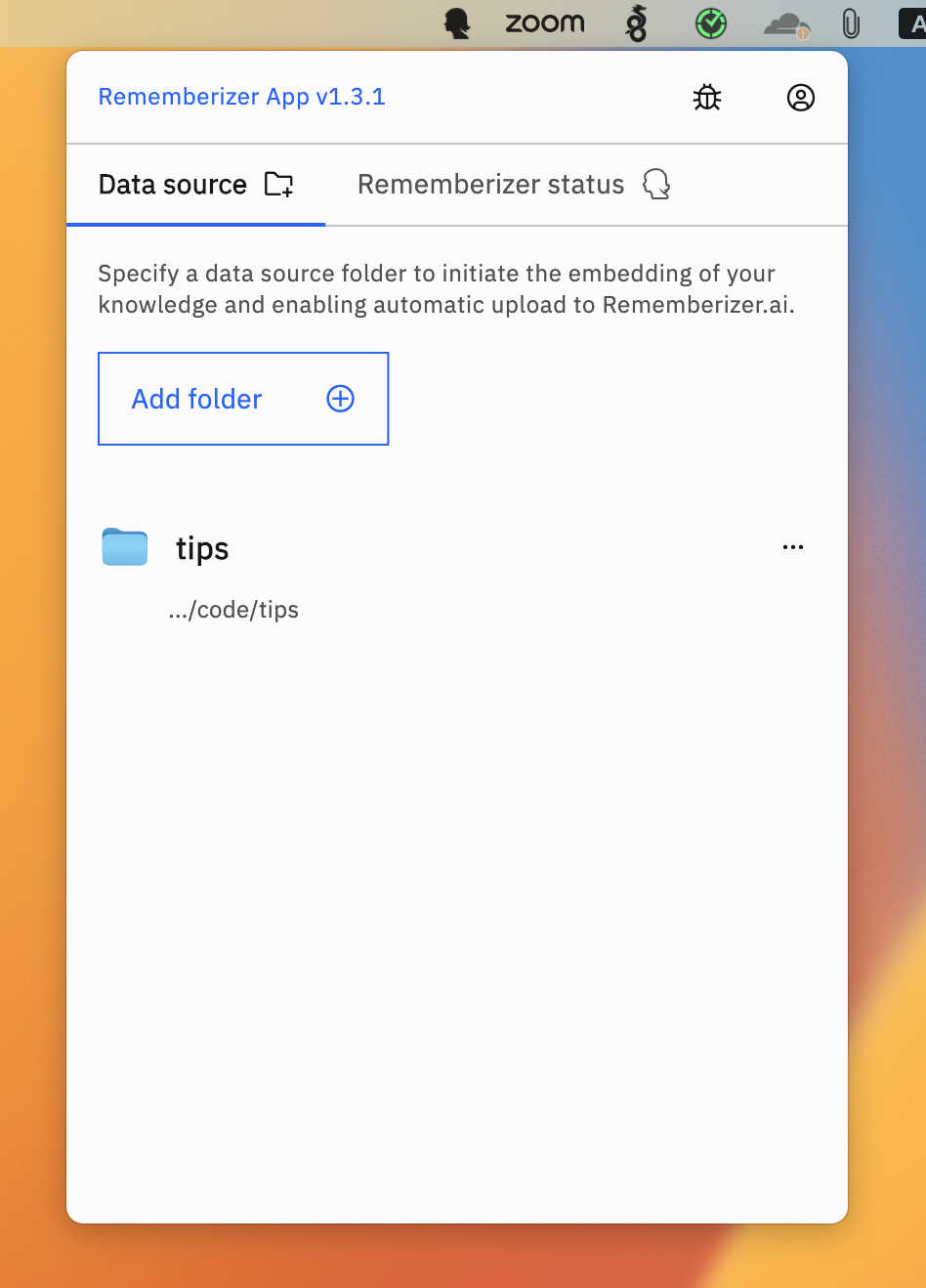
Vælg mapper for at tilføje som datakilder
- Behandling af filer: Appen vil begynde at analysere og behandle filer i dine valgte mapper. Dette involverer:
- Scanning af filer og identifikation af understøttede formater
- Opdeling af filindhold i optimalt størrelse segmenter
- Konvertering af tekst til vektorembeddings
- Upload af metadata og embeddings til din Rememberizer-konto
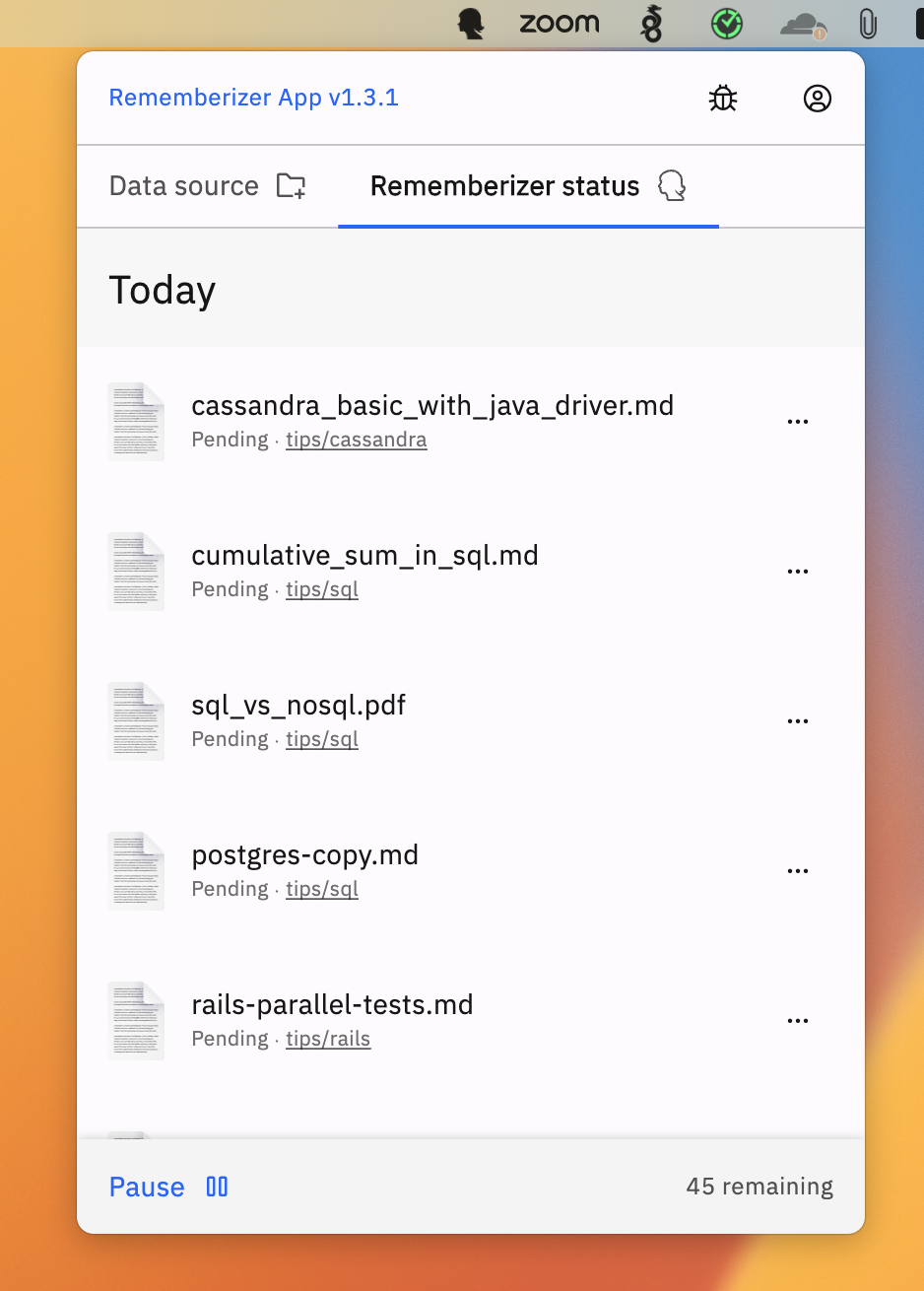
Overvåg behandlingsstatus i fanen Status
Avanceret Konfiguration
Rememberizer-appen tilbyder flere konfigurationsmuligheder for at optimere ydeevnen:
- Baggrundsbehandling: Kontrollerer hvornår filbehandling finder sted:
- Automatisk (standard): Behandler filer kontinuerligt i baggrunden
-
Manuel: Behandler filer kun når det eksplicit udløses
-
Filtypefiltrering: Tilpas hvilke filtyper der behandles:
- Standard: Behandler alle understøttede filtyper
-
Brugerdefineret: Angiv filendelser der skal inkluderes eller udelukkes
-
Gitignore-understøttelse: Respekterer automatisk
.gitignoreregler i repositories: - Forhindrer behandling af udelukkede filer
- Opretholder konsistens med dine versioneringspræferencer
Understøttede filtyper
Rememberizer-appen kan behandle en bred vifte af filformater:
| Kategori | Understøttede formater |
|---|---|
| Tekstfiler | .txt, .md, .rtf, .csv, .json, .xml, .yml, .yaml og mere |
| Dokumenter | .pdf, .doc, .docx, .odt, .pages |
| Præsentationer | .ppt, .pptx, .key |
| Regneark | .xls, .xlsx, .numbers |
| Kodefiler | .py, .js, .java, .c, .cpp, .cs, .html, .css, .php, .r, .rb, .go, .rs, .swift og mere |
| Konfiguration | .ini, .conf, .config, .env |
| Data | .json, .xml, .csv, .tsv |
Filstørrelse og indholdsbegrænsninger
- Maksimal filstørrelse: 50MB pr. fil
- Maksimal indlejret tekstudtrækning: 1.000.000 tegn pr. fil
- Binære og eksekverbare filer behandles ikke
- Password-beskyttede filer kan ikke behandles
- Beskadigede filer kan blive sprunget over
Sikkerhed og Privatliv
Rememberizer App implementerer flere sikkerhedsforanstaltninger:
- Lokal Behandling: Den indledende filbehandling foregår lokalt på din maskine
- Indholds Kryptering: Dokumentindhold krypteres før transmission
- Sikker Godkendelse: OAuth2 med sikker tokenhåndtering
- Indlejringsbaseret Opbevaring: Kun vektorrepræsentationer (ikke original tekst) opbevares på lang sigt
- Gitignore Overholdelse: Respekterer udelukkelsesmønstre for at undgå behandling af følsomme filer
- Sikker API Kommunikation: Al API-trafik bruger HTTPS med TLS 1.2+
Data Brug og Indsamling
- Appen transmitterer vektorindlejringer og minimal metadata om dine filer
- Originale filindhold gemmes ikke permanent på Rememberizer-servere
- Behandling sker først lokalt med kun nødvendige data, der transmitteres
- Ingen sporing eller analyser ud over hvad der er nødvendigt for servicefunktionalitet
Fejlfinding
Almindelige problemer og løsninger
Applikationen starter ikke
- Bekræft macOS-version (10.15 eller nyere krævet)
- Tjek for ledig diskplads (minimum 500MB)
- Sørg for, at du har administratorrettigheder til at installere applikationer
- Prøv at genstarte din computer
Autentifikationsproblemer
- Tjek din internetforbindelse
- Bekræft dine Rememberizer-kontooplysninger
- Ryd browsercookies og prøv igen
- Sørg for, at ingen firewall blokerer kommunikationen
Filer, der ikke behandles
- Bekræft, at filtypen understøttes
- Tjek, at filstørrelserne er under 50MB grænsen
- Bekræft, at mappetilladelserne tillader appen at læse filer
- Tjek Status-fanen for specifikke fejlsignaler
- Sørg for, at filer ikke udelukkes af gitignore-regler
Langsom behandlingsydelse
- Luk ressourcekrævende applikationer
- Tilføj færre mapper i starten, og udvid derefter
- Prioriter mindre tekstfiler for hurtigere behandling
- Aktiver GPU-acceleration, hvis det er tilgængeligt
- Tjek tilgængelig diskplads (lav plads kan forårsage langsomhed)
Diagnostisk Information
Appen opretholder logfiler, der kan hjælpe med at fejlfinde problemer:
- Adgang til appens menu ved at klikke på ikonet i menulinjen
- Vælg "Avanceret" > "Vis logfiler"
- Gennemgå logfilerne for fejlmeddelelser eller advarsler
- Hvis du rapporterer et problem, skal du inkludere relevante logsektioner
Nulstilling af appen
Hvis du oplever vedvarende problemer:
- Luk Rememberizer-appen
- Åbn Terminal
- Kør:
defaults delete com.rememberizer.app - Genstart applikationen
Download Links
- Rememberizer App 1.6.1 (macOS) - Se Udgivelsesnoter
Brug altid den nyeste version for at drage fordel af sikkerhedsopdateringer, fejlrettelser og nye funktioner.
Udgivelsesnoter
Version 1.6.1 (4. oktober 2024)
Funktioner og Forbedringer
- Support for Tomme Mapper: Brugere kan nu tilføje tomme mapper som datakilde.
- GPU Support og Ydelsesforbedringer: Tilføjet support for GPU-acceleration for at forbedre behandlingshastigheden.
- Forbedret Indlejringsprogram: Konfigureret til at understøtte MPS-versionen af PyTorch, optimeret til maskinspecifikke builds.
- Intelligent CPU Detektion: Implementeret detektion af CPU-type for at sikre, at den mest passende version af indlejringsprogrammet anvendes.
- Forbedret Datakildehåndtering: Udnyttet Batch Delete API til effektiv fil-sletning i fjernede datakilder.
- Support for Alle Plain Text Filer: Aktiveret behandling af forskellige typer af plain text-filer.
- Overholdelse af Gitignore Regler: Filer, der ignoreres af gitignore-regler i Git-repositorier, udelukkes nu fra behandling.
- Mindre UI Forbedringer: Forbedringer af brugergrænsefladen og ydeevnen.
Ofte Stillede Spørgsmål
Generelle Spørgsmål
Q: Er Rememberizer-appen gratis at bruge?
A: Appen er gratis at downloade, men kræver en Rememberizer-konto, som muligvis har abonnementsniveauer med forskellige grænser.
Q: Uddrager appen tekst fra billeder?
A: I øjeblikket udfører appen ikke OCR (Optical Character Recognition) på billeder.
Q: Vil mine filer blive delt med andre brugere?
A: Nej. Dine filer behandles og indlejres privat kun for din konto.
Tekniske Spørgsmål
Q: Hvor meget af mine systemressourcer vil appen bruge?
A: Appen er designet til at køre effektivt i baggrunden, men ressourceforbruget stiger under den indledende behandling af store mapper.
Q: Skal appen køre hele tiden?
A: For kontinuerlig filovervågning og opdateringer, ja. Du kan dog vælge kun at køre den, når det er nødvendigt.
Q: Er der grænser for, hvor mange filer jeg kan behandle?
A: Grænserne afhænger af dit Rememberizer-konto niveau. Appen vil informere dig, hvis du nærmer dig disse grænser.